Code-based verification
Generate the simulated finished result from the code that will actually run at the machine, then inspect that result against the intended finished-part CAD model.
 Download
MANUFACTURING VERIFICATION SOFTWARE
Kernel3D is standalone and turns code into a visual manufacturing simulation, produces an exact CAD result, and lets you compare that result directly against the finished-part STEP model.
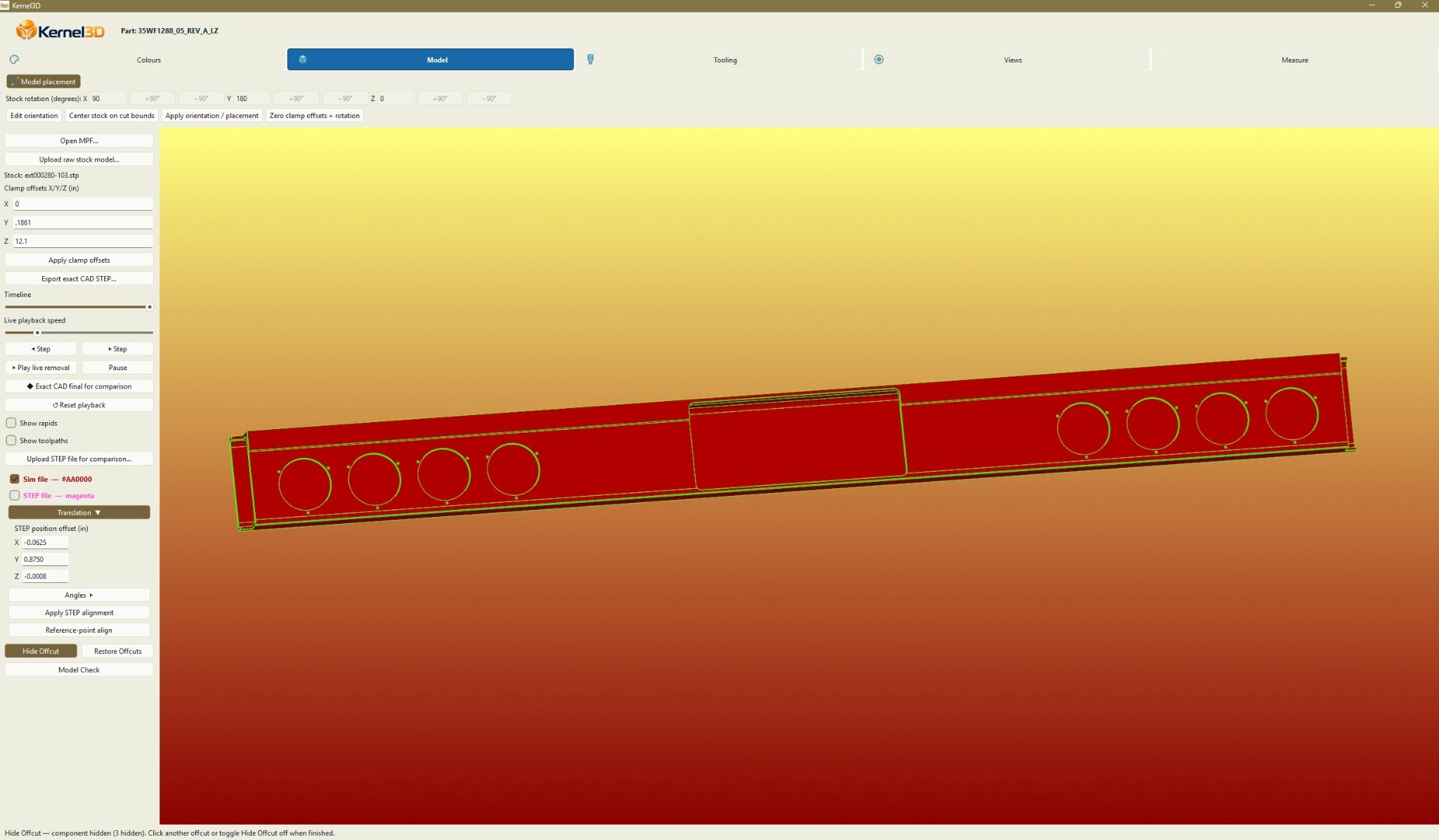
Visualize machine operations and material removal.
Generate the smooth exact CAD result after simulation.
Overlay the finished result against reference STEP geometry.
Kernel3D provides a direct visual bridge between programmed machine motion and the geometry that should come off the machine.
Watch material being physically removed in real time as the code executes, with high-end 3D graphics designed to make the cutting process immediately visible and easy to inspect.
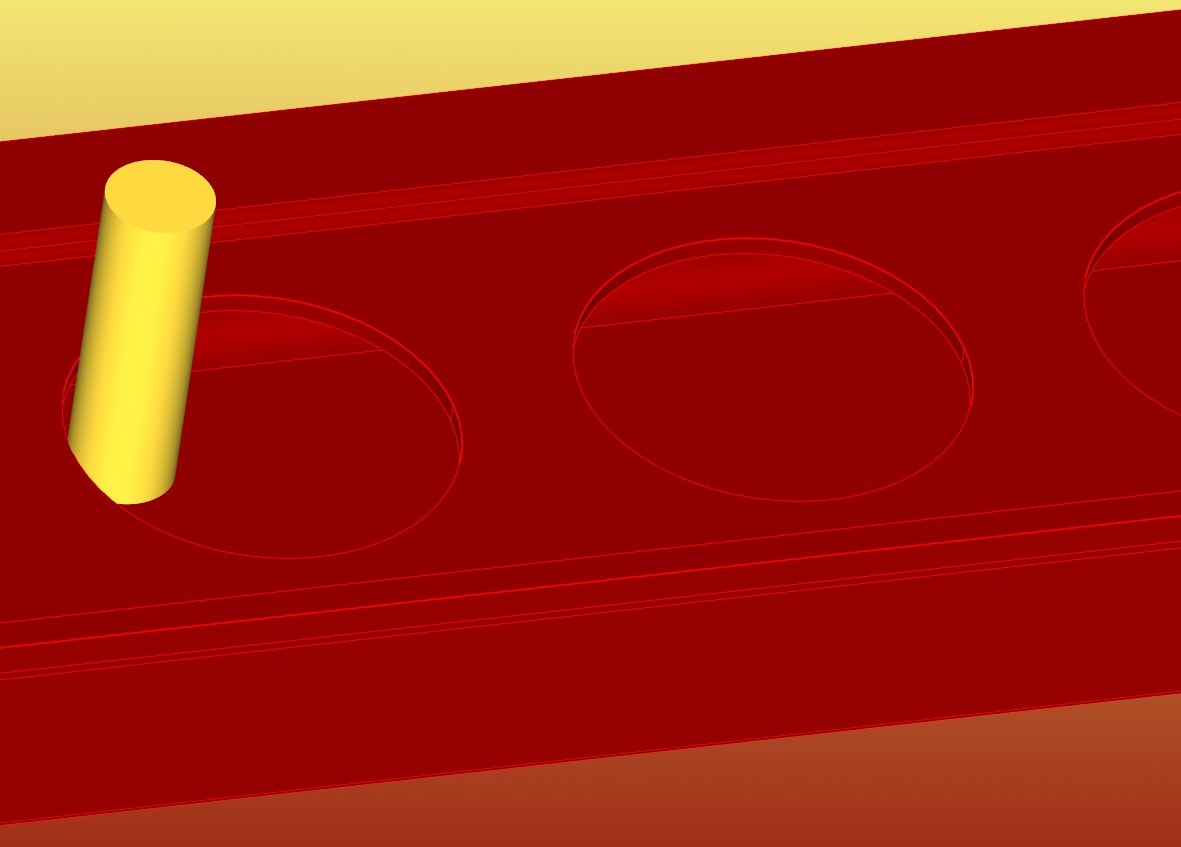
When simulation is complete, Kernel3D transitions to ExactCAD: a precision final-geometry result built for exceptionally accurate code-to-CAD verification. Rather than relying on the visual approximation typical of tessellated or voxel-style verification, ExactCAD is designed to preserve true finished geometry for close inspection and measurement.
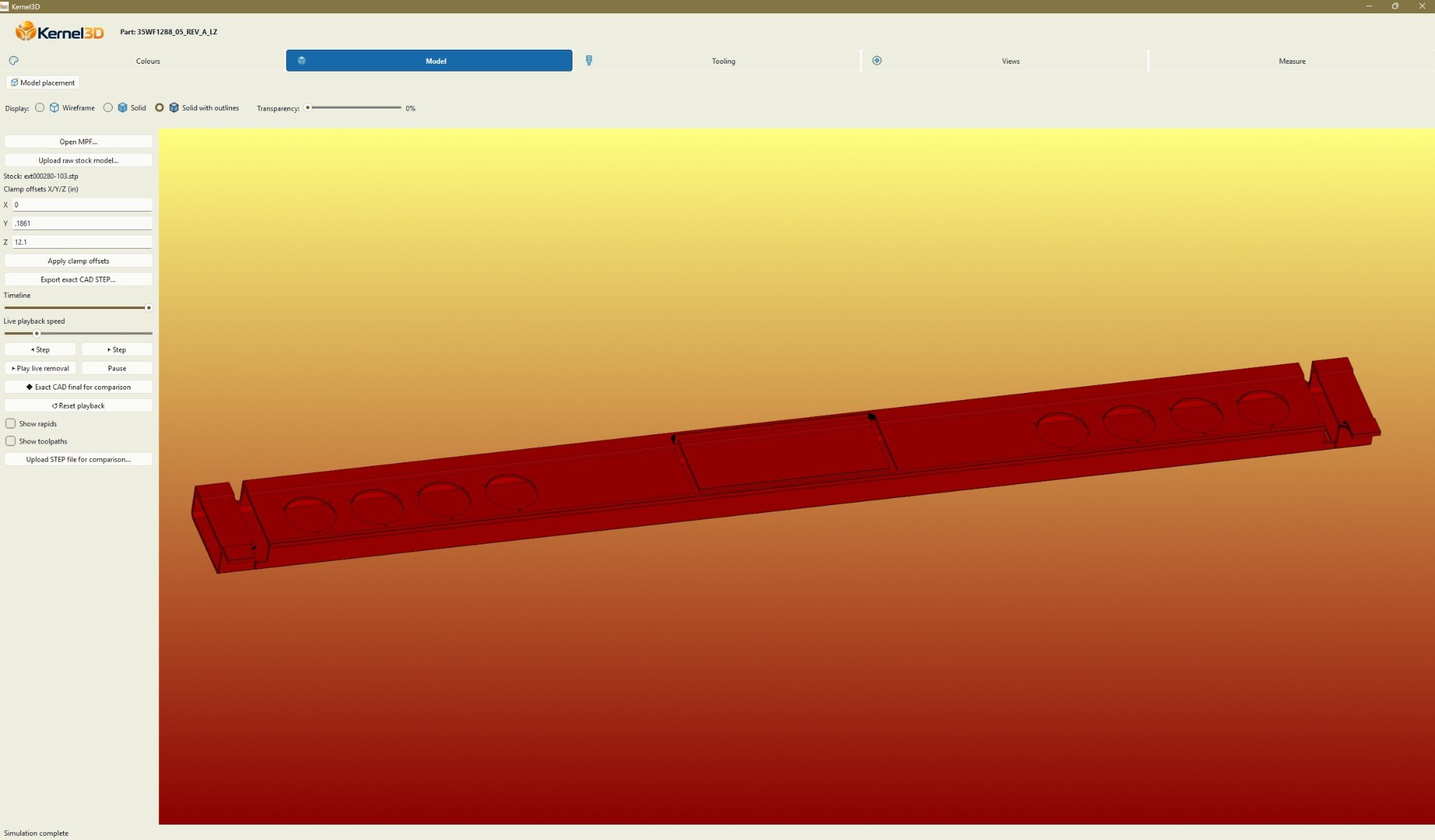
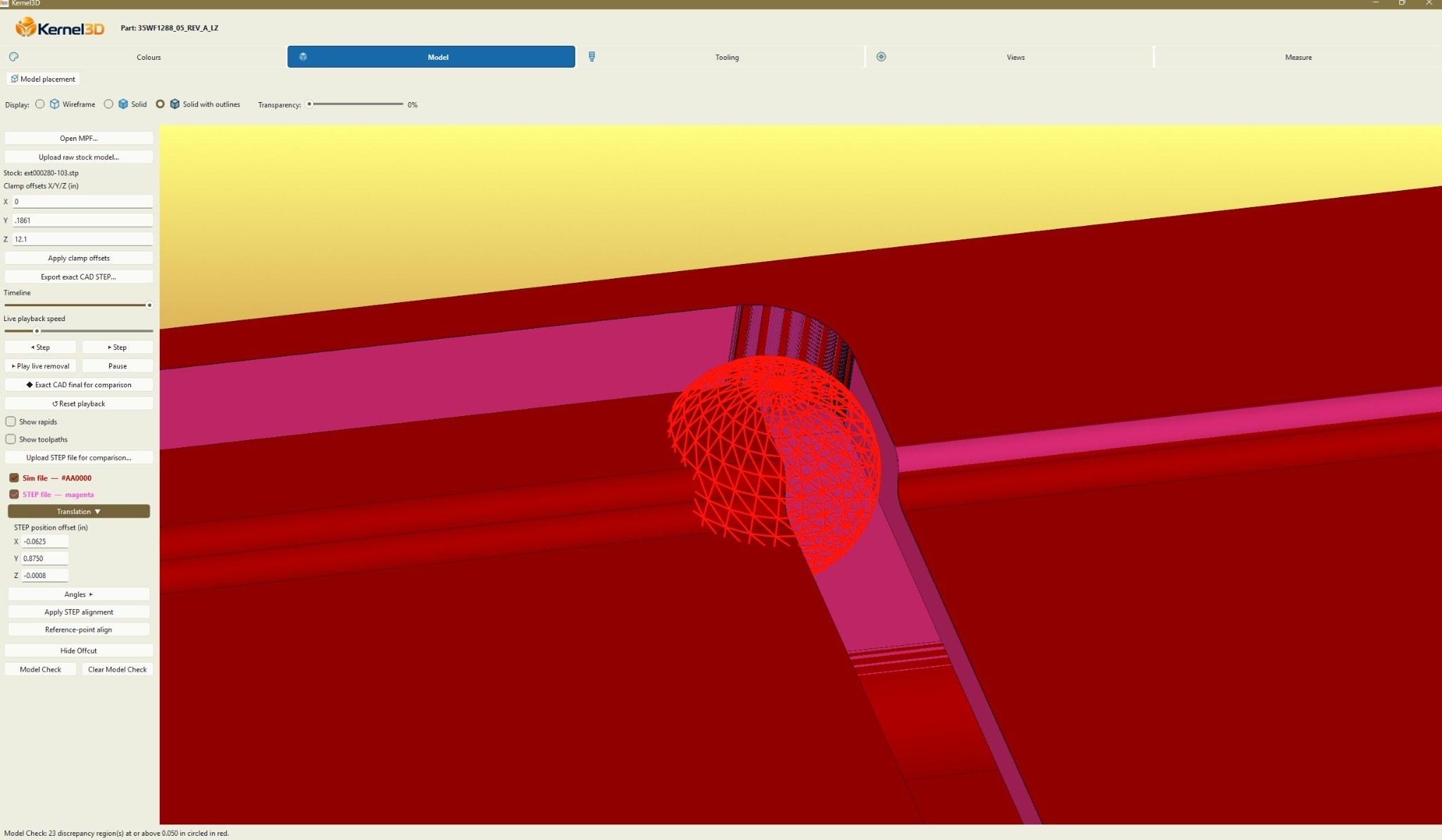
Import the completed-part STEP file, align it with the simulated result, and toggle either model independently or inspect them overlaid.
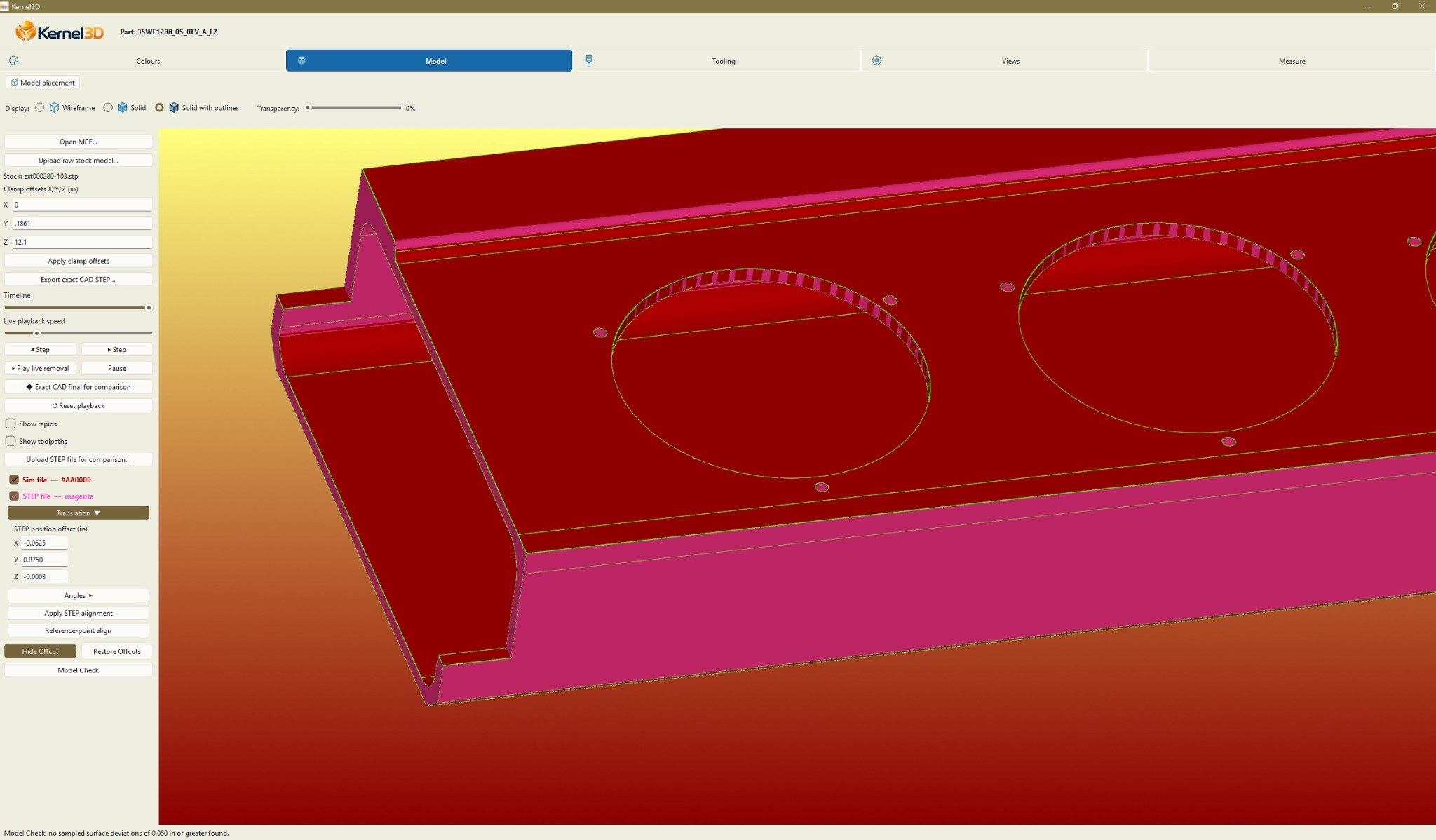
AUTOMATED VERIFICATION / MODELCHECK
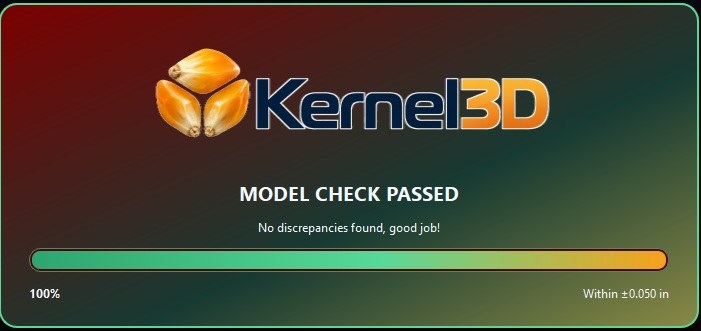
ModelCheck analyzes the simulated result against the reference finished-part model and automatically identifies areas that fall outside the user's selected deviation tolerance.
Instead of relying only on visual inspection, ModelCheck turns the comparison into a targeted verification process: set the acceptable deviation, run the check, and Kernel3D highlights the areas that need attention.
COMING SOON / INTERACTIVE COMPARISON
A future interactive comparison will let visitors drag between a conventional voxel-style result and ExactCAD geometry to see the difference in surface quality and feature definition directly.
FOR THE NERDS
Many simulation systems represent material removal as voxels, tessellated meshes, or other discretized approximations. Those methods can be excellent for visualization, but the final result is inherently resolution-dependent: curves, angled surfaces, small features and intersections are represented by finite cells or facets.
ExactCAD takes a fundamentally different approach. Kernel3D reconstructs the manufacturing result using a geometry-first computational method developed specifically for code-driven verification. The internal process models the swept cutting result directly rather than treating the finished part as a collection of pixels in three dimensions.
The result is clean, continuous final geometry that can be inspected, measured, snapped to and exported as CAD — without requiring an impractically dense voxel field just to chase additional resolution.
The underlying ExactCAD construction method is proprietary. The important part is what comes out the other side: an exceptionally precise geometric representation of what the machine code actually produces.
WORKS ALONGSIDE YOUR CAM SYSTEM
Kernel3D is designed to work alongside existing CAM systems, including systems that already provide their own simulation. It fills a different verification gap: comparing the finished-part STEP model with a STEP result generated from the actual machine code.
Generate the simulated finished result from the code that will actually run at the machine, then inspect that result against the intended finished-part CAD model.
Kernel3D is fully functional and ready for MPF code today. Support for additional machine-code and program formats can be requested as needed.
Mubea machine workflows are already fully supported and tested, giving Kernel3D a proven starting point for production use.
WHY KERNEL3D
Kernel3D is being developed as a practical manufacturing tool: simulate the programmed process, inspect what it actually produces, and compare it with the intended CAD model in one workflow.
Kernel3D is currently in active development.
Windows desktop application